
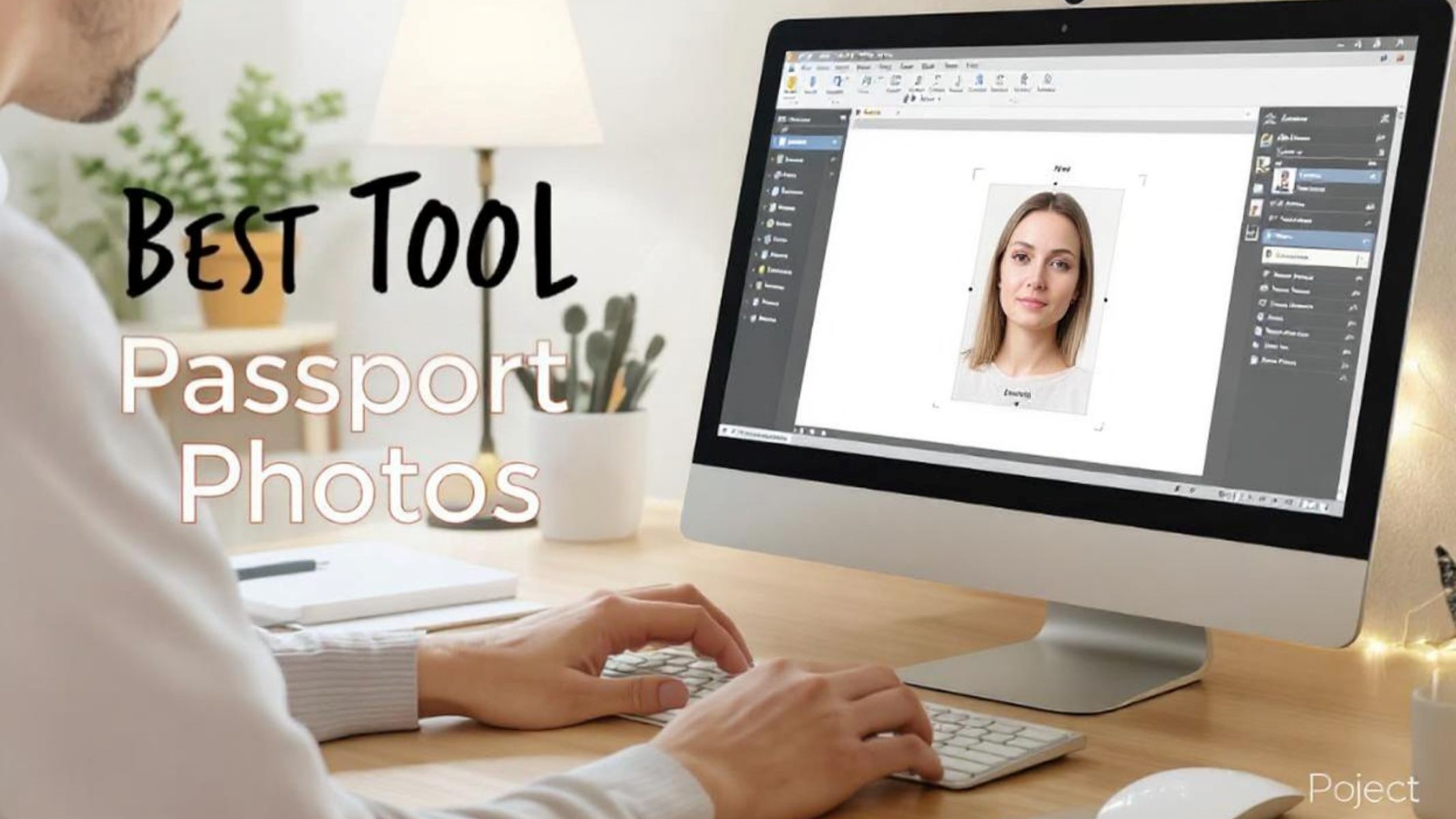
When applying for a US passport online, one of the trickiest parts can be getting your digital passport photo right. You might wonder, why is the passport photo such a big deal? Well, a passport photo isn’t just a picture — it’s a vital part of your official identification. The government has very specific rules about how these photos should look, so mistakes can lead to application delays or outright rejection.
Overview of US Passport Photo Guidelines
Size and Dimensions
One of the most important requirements for a US passport photo is the exact size. Your photo must measure 2 x 2 inches (51 x 51 millimeters). This size is non-negotiable and must be adhered to strictly. If the photo is too large or too small, your application will be rejected. The photo should also be printed on thin, matte, or glossy photo-quality paper to ensure clarity and durability.
Background Requirements
The background of your passport photo must be plain white or off-white. This is a mandatory rule, and any background that contains patterns, textures, colors, or shadows will result in your photo being rejected. The background should be uniform and free from any distractions or objects that could interfere with the focus on your face.
A clean background helps passport officials clearly distinguish your facial features and ensures consistency across all passport photos. When taking your photo at home, this can be tricky—common mistakes include backgrounds with visible furniture, walls with patterns, or colored curtains. If you can’t find a plain white wall, many online tools or photo studios offer automatic background removal and replacement features to meet this requirement.
Facial Expression and Positioning
Your facial expression in the passport photo is very strictly regulated. You must face the camera directly, with your full face visible and your eyes open. The expression should be neutral, meaning no smiling, frowning, or exaggerated expressions. A relaxed, natural look helps officials confirm your identity quickly and without confusion.
Proper positioning is also crucial. Your head must be centered and looking straight into the camera, not tilted or turned to the side. The photo should capture your entire head from the bottom of the chin to the top of your hair. Glasses are generally discouraged, but if you must wear them, ensure there’s no glare and your eyes are fully visible. Adhering to these positioning rules helps avoid any delays caused by non-compliant photos.
Lighting and Image Quality
Lighting in your passport photo must be even and balanced to avoid shadows on your face or background. Harsh lighting or shadows can obscure your facial features, which might cause your application to be rejected. Ideally, the photo should be taken in natural light or using soft, diffused artificial lighting to evenly illuminate your face.
Image quality also matters a lot. Your photo must be clear and in full color—black and white or faded images are not acceptable. There should be no reflections, red-eye, or blur. The photo should also have sharp focus so every detail of your face is visible. Avoid any filters or editing effects that alter your appearance, as the photo must represent your natural look exactly as it is.
Challenges of Taking Passport Photos at Home
Taking your own passport photo at home may seem like a convenient and cost-effective solution. However, there are several challenges that can make the process more complicated than it appears. Without professional equipment or expertise, many applicants struggle to produce a photo that meets the strict US passport requirements. These challenges range from technical issues to ensuring full compliance with government rules, which, if not addressed properly, can lead to delays or rejection of your passport application.
Technical Difficulties
One of the most frequent issues people face when taking passport photos at home is handling the technical aspects of the photo itself. Without professional cameras or photo-editing software, it’s tough to get everything perfectly right.
Here are some of the most common technical challenges:
- Getting the exact size: Your photo must be exactly 2 x 2 inches (51 x 51 mm). Most home-printed photos come out either too large or too small unless you use specific tools or software to crop them precisely.
- Correct cropping: Your head size and placement within the frame are critical. Cropping too close or too far away can cause rejection. Without experience, it’s hard to measure and crop perfectly.
- Image clarity and focus: Smartphone cameras vary widely, and poor focus or blurry images are common mistakes that affect photo acceptance.
- Background and lighting: Achieving an even, white background and avoiding shadows is difficult without a proper setup. Home lighting often creates uneven shadows or reflections.
These technical hurdles mean that even if you take multiple photos, without the right tools, it’s easy to end up with photos that don’t meet the official standards.
Ensuring Compliance with Official Rules
Even if you manage to take a technically good photo, ensuring it complies with all the official US passport photo rules is another challenge altogether. The guidelines cover many subtle details that aren’t obvious to the untrained eye.
Common compliance challenges include:
- Background color: The background must be plain white or off-white, with no shadows or patterns. Many home environments don’t meet this requirement.
- Facial expression and posture: You need a neutral expression, direct eye contact, and your head centered in the frame. Many people smile or tilt their heads unknowingly.
- Head size: Your head must be between 1 inch and 1 3/8 inches tall within the photo, measured from chin to crown. Many don’t measure this correctly.
- No accessories or shadows: Glasses, hats, or other items are generally prohibited, and shadows must be avoided on your face or the background.
Without expert guidance or a specialized passport photo tool, it’s very difficult to verify if your photo meets these detailed requirements. This uncertainty can cause stress and uncertainty about whether your photo will be accepted.
Avoiding Rejections
Even minor errors in your passport photo can lead to rejection, which means you’ll have to retake the photo and resubmit your application — wasting both time and money. Passport photo rejection is frustrating but common for first-time applicants taking photos at home.
Typical reasons for rejection include:
- Incorrect photo size or cropping
- Poor lighting causing shadows or uneven colors
- Non-neutral facial expression or poor head positioning
- Background that is not plain white or contains shadows
- Blurry or pixelated images that lack clarity
The rejection process delays your passport issuance and can cause missed travel plans. Since even small mistakes can cause rejections, many people prefer to use online passport photo tools or professional studios to minimize risks. These tools typically provide instant feedback and automatic adjustments to help ensure your photo meets all requirements before you submit it.
What Makes a Great Passport Photo Tool
When it comes to choosing the best passport photo tool, several critical factors determine whether the tool will help you create a compliant, professional-quality photo. Accuracy in compliance is the number one priority. The tool must automatically check your photo against all official US passport photo standards, including size, background, lighting, and facial positioning. This eliminates the guesswork for users and greatly reduces the risk of rejection due to simple errors. Automated compliance ensures your photo matches government requirements perfectly without the need for manual adjustments or expert knowledge.
In addition to accuracy, the tool must be easy and straightforward to use. A user-friendly interface means you don’t have to be tech-savvy or read complicated instructions to create your passport photo. The process should be as simple as uploading your image and letting the tool guide you step-by-step through any necessary corrections. This simplicity encourages more people to successfully produce compliant photos on their first try, saving both time and frustration.
Another key feature is instant feedback and corrections. The best passport photo tools provide real-time alerts about issues such as background color, head size, or facial expression. These instant notifications allow you to fix problems before finalizing the photo. Instead of submitting a flawed picture and risking rejection, you can correct errors immediately, improving your chances of acceptance.
Finally, security is essential when uploading personal photos online. The tool should guarantee secure handling of your photo and any personal information you provide. Encryption and privacy policies must protect your data from unauthorized access or misuse, giving you peace of mind during the process.
| Feature | Description | Benefit | Why It Matters |
| Accuracy in Compliance | Automatic checks against official US passport photo standards | Reduces rejection risk | Ensures photo meets government rules |
| User-Friendly Interface | Simple upload and step-by-step guidance | Easy for anyone to use | Saves time, reduces frustration |
| Instant Feedback & Corrections | Real-time alerts and suggestions for fixes | Fix errors before submission | Increases chances of acceptance |
| Secure Online Submission | Data encryption and privacy protection | Protects your personal information | Builds trust and ensures safety |
Top Features of the Best US Passport Photo Tools
Automatic Background Removal and Replacement
One of the most helpful features of the best US passport photo tools is automatic background removal and replacement. Many people struggle to find or create a plain white or off-white background at home, which is a strict requirement for passport photos. This can be especially difficult if your surroundings have colored walls, furniture, shadows, or patterns that don’t meet the guidelines. Instead of spending hours trying to set up the perfect environment or paying for a professional studio, an automatic background remover does all the hard work for you. It detects the existing background in your photo, removes it cleanly, and replaces it with a uniform white or off-white background that complies fully with US passport photo standards.
Real-Time Size and Position Adjustments
Another key feature that sets the best US passport photo tools apart is real-time size and position adjustments. Getting the size of your photo exactly right is crucial because the US government has very precise requirements — the photo must be exactly 2 x 2 inches, with your head size between 1 inch and 1 3/8 inches. Manually cropping and resizing photos to meet these exact specifications can be confusing and time-consuming, especially if you don’t have experience with photo editing software.
Top tools solve this problem by automatically detecting your face and adjusting the size and position of your photo in real time. As soon as you upload your image, the tool crops it to the correct dimensions and centers your head perfectly in the frame. This instant adjustment ensures your photo adheres to all official guidelines without you needing to worry about measurements or guesswork. The tool guides you through the process, often with visual indicators, so you can see immediately if your face is the right size and positioned correctly. This feature helps prevent common errors that lead to photo rejection, making the entire passport photo submission process smoother and more reliable.
AI-Powered Face Detection and Correction
Artificial intelligence has revolutionized the way passport photo tools work, and the best ones harness AI-powered face detection and correction to ensure your photo meets every detailed requirement. AI algorithms analyze your photo to identify key facial features, such as the position of your eyes, nose, mouth, and chin. This allows the tool to verify if your face is properly aligned, looking straight at the camera, and whether your expression is neutral — all essential criteria for a valid US passport photo.
Beyond just detection, AI can also suggest or even automatically apply corrections to improve your photo’s quality. For example, if the lighting causes shadows on your face or if there is glare on your skin or glasses, the AI can adjust brightness and contrast to create a clearer, more evenly lit image. If your head is slightly tilted or your expression isn’t neutral, some advanced tools can alert you or prompt you to retake the photo. This smart technology removes much of the guesswork from taking a passport photo and helps you produce a compliant image that will be accepted the first time, saving you from the frustration of rejected applications and delays.